Mapping Every Recurring Charge Before the Next Payday Hits
Discover why your actual spending outpaces memory—and how one list changes that.
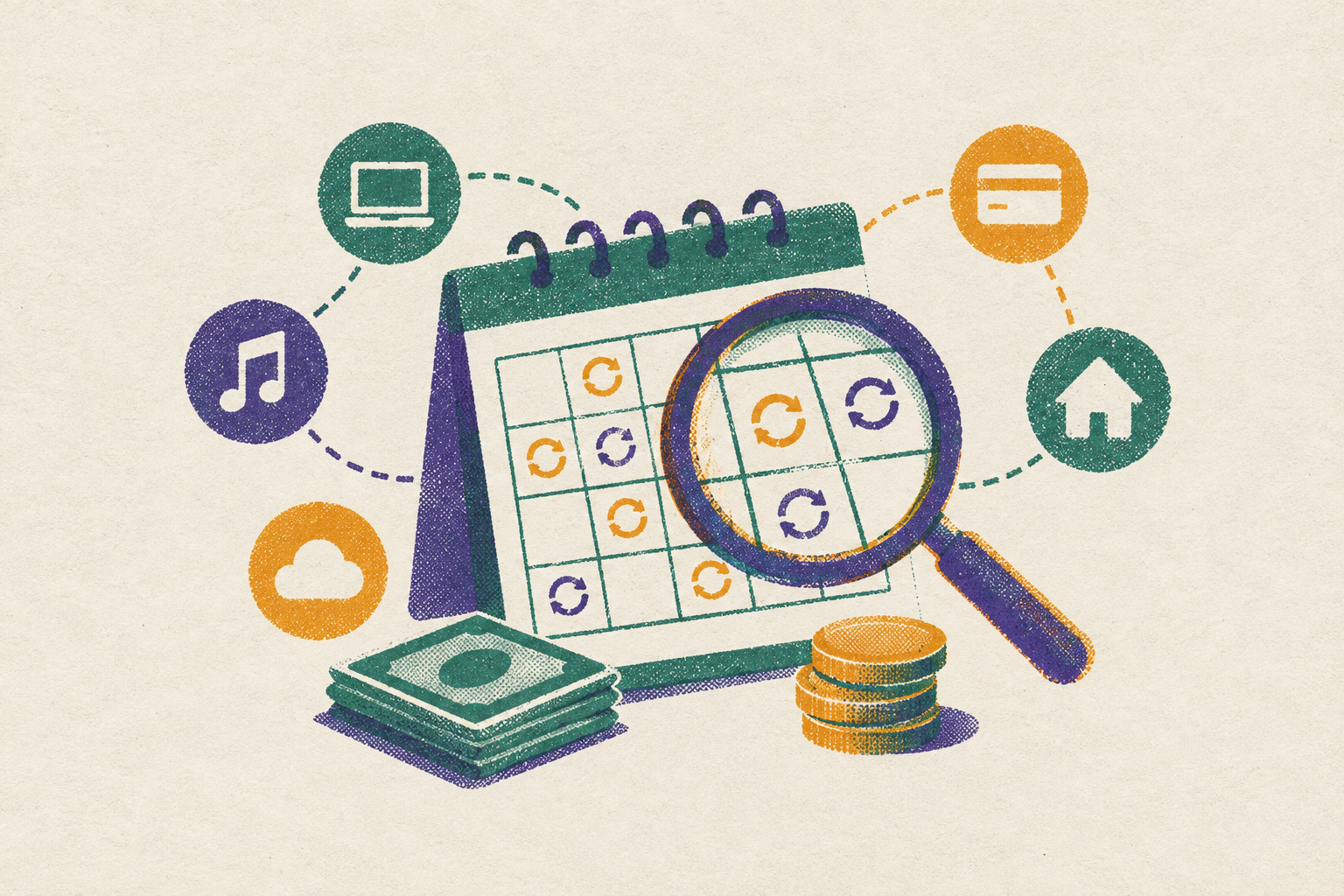
The best subscription-tracking setup combines one list of recurring charges, billing-channel controls for cancellation, and monitoring for changes between audits. Banking-app subscription management can bring those jobs together, but read-only monitoring cannot cancel services on its own. Mapping every charge before payday turns a substantial monthly gap between remembered and actual spending into specific decisions about what stays, what goes, and what needs investigation.
Why the gap between perceived and actual recurring spend is wider than people expect
The account drains faster than it feels like it should. Nothing stands out as a huge purchase, yet the balance never seems to match the spending you remember. Recurring payments make that mismatch hard to explain because each one looks ordinary on its own. The problem appears only when the charges sit together.
Memory is a poor ledger for this job. You may remember the services you signed up for without remembering their current prices, annual renewals, or separate billing channels. The gap in the brief’s estimate amounts to a substantial sum over a year. Closing it takes more than deciding to pay closer attention. It takes a deliberate session in which every recurring charge gets an amount, a billing date, and a place on the same map.
The mechanisms that push the total higher without triggering a cancellation decision
You remember the sign-up price, while the account pays the rate that replaced it. An upgraded tier or add-on introduced as a free trial feature can also persist into the paid period. Neither change necessarily prompts a fresh decision about whether the service is worth buying.
Bill creep works through a different route. Carriers, utilities, and software vendors can add regulatory recovery fees, service charges, or broadcast fees that grow separately from the advertised plan price. The plan name you know makes the bill look the same. Its line items tell a different story.
Duplicates make the total harder to recognize still. A household may pay for an app directly and through Apple or Google, or buy software an employer already supplies. Functional overlap is less obvious than an exact duplicate. A separate VPN may overlap with one included in a router, while a bank’s credit monitoring service may overlap with a standalone subscription.
Why payday is the right deadline for this audit
The days before payday bring bills that are due soon into view alongside the cash on hand. Pending charges may not yet appear among posted transactions, while the balance shows spending from the last cycle. That makes the balance an incomplete guide to what is free to spend. Checking renewals due soon before payday leaves time to act if the billing terms allow it.
Payday also gives you a deadline you already notice. The audit builds on that moment of financial attention as an existing habit. Repeating it before each payday keeps the map from going stale as new subscriptions and trials appear.
Where every recurring charge is actually hiding — and the order in which to surface them
Start with every bank and credit card account used for purchases, including the main checking account. Pull recent transactions and scan for subscriptions, memberships, monthly payments, annual payments, and recurring charges. Sort by merchant name to expose repeats. Record the exact amount charged. A charge that appears only once still belongs on the map if it is an annual subscription.
Next, open the app store subscription records. Apple lists App Store subscriptions in Apple account settings under Subscriptions. In Google Play, they are listed under Payments and Subscriptions. These records expose a separate billing channel from the provider’s own website. Removing an app from a device does not cancel its store-managed subscription.
Then search the inbox for “receipt,” “your subscription,” “billing confirmation,” “payment confirmed,” “trial,” “renewal,” and “invoice.” Receipts and confirmation emails help connect a merchant to an amount and billing date. They also preserve the price agreed to at sign-up, which may differ from today’s charge. Trial emails show payments that are still to come and cannot yet appear on statements.
Finish with PayPal and any virtual card services. Check their active recurring authorizations, including those managed through card-issuer tools. Put all four sources into one list. Count each payment only once. Then look for the same service billed through two channels, overlapping services such as two password managers, and software already supplied by an employer. Those are different problems, but each can leave you paying twice for one job.
How to read the map once it's built — categorizing what stays, what goes, and what needs investigation
Give each item one of three labels, Keep, Cancel, or Investigate. Keep applies when you used the service during the past billing period, the price matches the agreement, and nothing else duplicates its job. Cancel applies when it went unused, its per-use cost is clearly disproportionate, or another retained service already covers it.
Investigate is for services you use whose current price needs review because of an unexplained increase, a potentially cheaper tier, a trial about to convert, or an annual subscription with a cheaper alternative. Deadlines give this group its urgency. An annual renewal’s refund or cancellation window may run from the renewal date and last only days. For seasonal or situational use, pausing can also be a middle option where the service offers it.
Cancellation mechanics that actually work — and the specific steps for each billing channel
Cancel through the channel that controls the bill. For a directly billed service, use the provider’s account settings and save the cancellation confirmation email. The Eighth Circuit vacated the FTC’s strengthened Negative Option Rule in its entirety on July 8, 2025. That rule is not in force, so it is not leverage for claiming that a difficult cancellation process violates it.
For Apple billing, open Apple ID settings, then Subscriptions, and cancel the service you want to stop paying for. Note the next billing date before canceling. Apple subscriptions run until the end of the period already paid for. For Google billing, open Google Play, then Payments and Subscriptions, then Subscriptions. Uninstalling the app does not perform either cancellation.
For PayPal, open Settings, then Payments, then “Subscriptions and saved businesses” or “Automatic Payments.” Revoke the relevant payment authorization there. That cuts off the payment method but does not notify the merchant or formally close the subscription. Follow up with the merchant to resolve the service account rather than treating payment blocking as a clean cancellation.
Use a bank or card dispute as a last resort for unauthorized charges or payments taken after confirmed cancellation. Save the confirmation as evidence of what happened. A dispute deals with a charge but may leave the recurring authorization in place, so another charge may follow. Virtual cards can help control trial payments by expiring after the trial period, but blocking payment should not be confused with ending the merchant agreement.
Price-drop windows and refund policies that exist but expire if unclaimed
Looking into a charge can help get back money already spent as well as stop another renewal. For subscriptions, that means checking the applicable refund terms before the renewal window closes. For recent purchases, it means looking for a price adjustment. An adjustment refunds a qualifying price difference without being the same thing as returning the product.
Target offers price adjustments for changes to its own prices for a short time after a purchase. Target announced in July 2025 that it would discontinue competitor price matching. Best Buy offers adjustments for its own lower prices within the return window, with a longer window for My Best Buy Plus and Total members than for standard customers. Home Depot also offers price adjustments for a limited time after a purchase.
Microsoft Store offers one-time price protection on physical products when its own price, or an eligible retailer’s price, drops within the specified period after delivery. Walmart does not offer price adjustments after a purchase. Its in-store matches against Walmart.com apply only at checkout. The practical step is a quick price check on major recent purchases before the applicable deadline passes.
The charges that the audit almost always misses — and why a manual review alone isn't enough
A manual audit catches records that exist when you look. It cannot catch a trial started afterward or a price change that happens before the next review. Even a complete map is a snapshot.
Promised refunds create a different blind spot. A merchant’s confirmation does not prove that the money reached the account, and no notification necessarily arrives when it fails to appear. Carrier and utility fee changes can also hide within existing merchants’ bills and transactions.
Retail price drops happen outside the account altogether. A 14- or 30-day adjustment window can pass without a message to the buyer. Retailer guarantee programs may also require a claim for late-delivery credits within a set time, so those credits may not arrive on their own.
Which apps help keep subscriptions in one place, and how does automated monitoring fill the gaps?
Banking-app subscription management fits readers who want a central view tied to their financial accounts. Mastercard’s subscription research identifies demand for viewing subscriptions together, pausing or canceling services, and receiving price-change alerts. These features can help readers choose an app, but every banking app cannot be assumed to have them. A tracker that only displays payments does a different job from a service that also supports cancellation.
Tools that watch connected accounts and inboxes can flag changes between reviews without another check by hand. For readers who forget renewals, coverage of trial and billing dates is more useful than a tidy dashboard alone. Readers who want to cancel unwanted services also need to check whether the tool can help them cancel through the channel that bills them.
Read-only access should be the default for financial connections. It lets a tool see financial data without moving money, but does not on its own let the tool cancel services. Bank restrictions on outside AI agents make bank-approved connections preferable to handing an agent account credentials. The distinction is between observing an account and being able to act on it.
Keep the security check focused on four points. Check for SOC 2 compliance, ISO 27001 certification, clear data retention policies, and disclosure of whether aggregated data is sold. These checks help assess access and data handling. They do not establish whether the tool can spot a missing refund or monitor retail prices, which are separate capabilities to evaluate.
What to do in the next 30 minutes — a concrete closing sequence
Use minutes 1–5 to pull recent transactions from every bank and card account and open Apple and Google subscription settings. In minutes 6–10, search email for “receipt,” “subscription,” “renewal,” “trial,” and “billing confirmation.” Write down the exact amount and billing date for each service. Use minutes 11–15 to add PayPal recurring payments and active virtual card authorizations to the same map.
Use minutes 16–20 to label each item Keep, Cancel, or Investigate. Flag any charge that differs from its sign-up price. In minutes 21–25, cancel unwanted services through the correct billing channel and save the confirmations. For items that need a closer look, write down the next billing date and the refund or price-protection deadline that applies.
Use minutes 26–30 to compare major recent purchases with the retailer’s current price. Submit an adjustment request where the purchase qualifies. Then set the next audit for the day before the following payday and consider automated monitoring for the intervals between reviews. The next paycheck should arrive with its recurring claims already named, priced, and decided.