Batch-Canceling Subscriptions When You Have No Time No Hold Music Tolerance and No Buffer
Batch your subscription cancellations to dodge hold music and retention tactics.
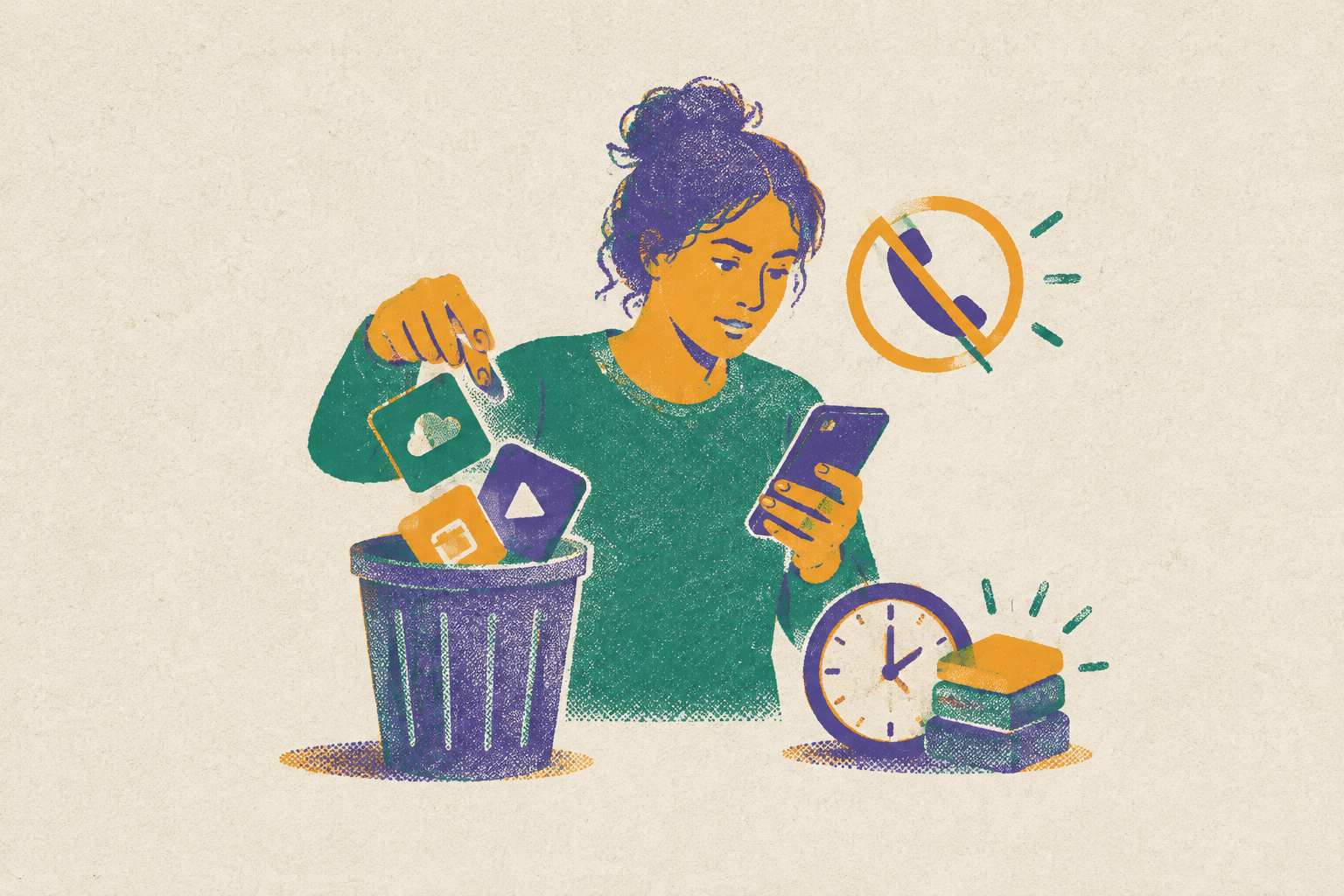
To check and cancel subscriptions, bring together the charges from your bank and credit cards, your email receipts, and your app-store subscription lists in one pass. Sort them into unused, underused, and worth keeping, then cancel through whoever bills you, grouping the work by billing channel. Canceling in a batch cuts the time spent hunting and waiting on hold over and over, which can keep forgotten subscriptions going.
Why subscriptions are engineered to outlast your attention span
A free trial can become a paid subscription without demanding another decision from you. After that, small price increases can slip past the attention that a bigger purchase would get. Annual billing makes the monthly cost harder to see. Together, these mechanics separate the decision to sign up from the repeated cost of staying subscribed.
That gap is not a failure of willpower. Subscription sprawl thrives when payments need no attention but stopping them takes concentrated effort. Multi-step confirmations, mandatory exit surveys, discount offers, and screens that time out and reset the process are retention tools. Signing up is easy, while the steps to cancel make leaving hard.
Phone-only cancellation pushes that imbalance further by making you spend time to stop spending money. Hold time raises the cost of leaving above the cost of tolerating another month. For someone with little spare time and no financial buffer, that is a hard trade. Working in a batch makes the process easier without asking you to get better at remembering every bill.
What a complete subscription audit actually looks like, done in one pass
To make that approach work, start by bringing every billing channel into one view. Subscriptions may charge a rarely checked credit card or run through Apple, Google Play, Amazon, Roku, PayPal, or a carrier. For the audit, bring together bank statements, every credit card statement, email receipts, and the subscription lists that billing platforms keep.
Start with checking-account statements and look for charges repeating monthly, quarterly, or annually. Annual charges are the easiest to miss. Repeat the scan for every credit card in use rather than stopping at the card you consider your main one. Automatic updater services can keep subscriptions going when you change cards, so a new card does not prove that the recurring bills have stopped.
Next, search your email inbox for “receipt” and filter by sender. Subscription confirmations and renewal notices can show services that never bill a card you check often. Then open the platform lists themselves. On an iPhone, go to Settings, your name, and Subscriptions to see active and recently expired App Store subscriptions. Check Google Play’s subscription list too if you have bought subscriptions there.
Amazon puts its list under your account’s memberships and subscriptions. In PayPal, the scheduled merchant authorizations are under Settings, Payments, and Automatic payments. For each subscription you find, note which billing channel it uses. That detail becomes the route back out, especially when the service you use and the company collecting payment are different.
Look for duplicates before you decide what to keep. The same service can be billed directly and through an app store, leaving two subscriptions where you expected one. Canceling either copy does not stop the other. Also separate duplicate billing from overlapping services, where different subscriptions cover a need that one could handle.
Put what you find into three groups, unused, underused, and active. Unused means no logins or recent activity, so those subscriptions go first without weighing another retention offer. Underused means used but potentially replaceable by a free tier or something you already pay for. Active means genuinely used and worth keeping. For the underused group, the decision is whether the free or already-paid alternative covers the same need.
The fastest cancellation channel for each type of service, matched to how it was purchased
With the cuts chosen, change the order of the work. Group entertainment, storage, and other subscriptions by their billing channel. Purchases made through an app store go together, those made directly on the web go together, and those that need a phone call to cancel get their own block. This saves you from going to each service’s website only to find that another company handles the bill.
App-store subscriptions are the quickest group to clear. Apple and Google Play each put their subscriptions in a central settings list, so you can work through multiple apps without visiting their separate account pages. On an iPhone, open Settings, your name, and Subscriptions, then select each unwanted subscription and choose Cancel Subscription. In Google Play, go through the Play Store menu to Subscriptions, select each one, and choose Cancel subscription.
With both stores, if you cancel before renewal, you can keep using the service until the time you paid for runs out. That means you need not wait until the last day just to preserve paid access. Check that the subscription status has changed from “renews on,” to “expires on” and save a screenshot. The confirmation gives you evidence if the charge returns.
Next come the web subscriptions that bill you directly. The usual route is to sign in, open Settings, find Billing or Subscription, choose Cancel, and complete the confirmation. If the website has no cancel button, the subscription may be billed through Apple or Google instead. Return to the billing channel identified in the audit rather than continuing to hunt through the wrong account.
AI subscriptions illustrate why cancellation and refunds need separate decisions. ChatGPT Plus, Claude Pro, Google AI Pro, Grok, Midjourney, Jasper, and Copy.ai allow cancellation without a cancellation fee, but their refund windows differ. Canceling stops the next charge rather than automatically returning money for unused time. An annual plan can be canceled at any time, but the year already paid is generally not refunded. Midjourney only allows refunds for subscribers who have used fewer than 20 GPU minutes over the life of their account, including time used in Relax Mode.
Within the batch, free trials need to be handled according to when they renew. First establish who bills the trial, whether that is the service directly, an app store, Amazon, Roku, PayPal, a carrier, or another partner. A trial started through one channel must be canceled through that channel. Save its renewal date, cancel before it, and screenshot the confirmation. Deleting an app does not end its subscription on either iOS or Android.
Leave cancellations that need a phone call for one block after the self-service work, so waiting on hold does not interrupt each easier cut. That block can be handled directly or delegated to a calling agent. The separation keeps the difficult cases from stalling everything. It also makes clear which subscriptions still need action rather than leaving them mixed into a list of completed cancellations.
Why the FTC's click-to-cancel rule changes less than it sounds like in 2026
The FTC’s click-to-cancel rule does not yet give consumers a uniformly enforceable shortcut. While rulemaking is underway, enforcement of the original rule’s requirements is not in effect. Many of the obstructive cancellation designs remain legal in most states. The protection on paper is therefore not a reason to wait for an easier cancellation screen.
The DOJ and FTC settled with Adobe on March 13, 2026, over hidden Early Termination Fees and cancellation processes filled with unnecessary steps and delays. Subscribers affected by this may get two months of free Creative Cloud. The settlement provides no cash refunds of paid termination fees. That enforcement outcome addresses past conduct while leaving consumers to stop the next unwanted charge.
California’s amended Automatic Renewal Law took effect on July 1, 2025, and provides an active, enforceable floor for contracts made in or with California residents. Outside California, state-level protections vary significantly. There is no uniform national experience to assume. For a consumer trying to stop billing now, the practical response remains to use the correct channel and keep the cancellation confirmation rather than treating ongoing rulemaking as a substitute for action.
Where AI agents fit into the cancellation queue today
AI calling agents can now take on the block of cancellations that need a phone call. 19Pine.AI completes tasks for consumers by making calls to cancel subscriptions, negotiate bills, get refunds, and file complaints. It gives a consumer another way to handle work that would otherwise require sitting through the call.
Traditional browser automation, such as browser-control scripts, can break when a cancellation page is redesigned. An AI agent can automate cancellations, skips, and pauses when it can find the subscription, call the subscription app’s API, and follow a retention policy.
David Pawlan’s documented use of AI agents to recover United Airlines travel credits across multiple flights shows what delegated financial work can look like. Each task took only a few minutes. That example concerns price-drop recovery, leaving the interchangeability of that workflow and subscription cancellation unestablished.
Authentication still creates a boundary around that work. OpenClaw identifies two-factor authentication, CAPTCHAs, and security questions as obstacles because they are designed to verify human identity. No fully automated, high-success-rate solution covers every service. Agents can shrink the unresolved part of the queue, but some cases still need a person or a delegated calling agent.
Why a one-time audit doesn't hold — and what permanent surveillance actually requires
A cancellation session clears existing commitments, but it does not monitor what happens afterward. New trials, new services, and quiet price changes can rebuild the problem within months. The next billing cycle starts whether or not another audit has been done. Several small increases over two years can add up to a lot of money each year, even when no one charge seems big enough to look into.
Preventing that drift requires more than a spending history. Most financial apps and bank dashboards report money after it has left, rather than warning that a trial converts tomorrow or identifying a subscription that has gone unused. A trial conversion, price-drop opportunity, or duplicate charge can have an action window that a monthly review misses.
Continuous monitoring therefore needs to surface decisions. Its scope includes unused subscriptions, price drops after purchase, late delivery credits, promised refunds that never arrived, duplicate charges, trials about to convert, and bills that have increased. Those are different tasks with different deadlines.
To put that monitoring in place, finish the batch session by saving a screenshot or export of the canceled subscriptions and the dates their cancellations were confirmed. That record becomes the baseline for the next audit. Set a calendar reminder for every trial still running and cancel before renewal, regardless of whether an agent is watching. Then connect accounts to a continuous monitoring tool so the next increase, conversion, or duplicate charge is flagged before it becomes a recurring pattern.