The Subscription Tracker Pecking Order When Free Is All You Can Afford
Ranks cash-advance apps by the real costs hidden behind "free."

An app to cancel subscriptions must do more than help pay recurring bills. The options below are cash-advance and spending tools. For readers who cannot afford another subscription, the useful pecking order ranks them by what “free” requires in fees, personal data, qualifying income, and purchases.
Why "free" subscription and spending trackers still have a price
You download a free money app, link your account, and reach the screen that asks you to pay for faster access or agree to share data. The download cost nothing. Getting the help you wanted is a different question, especially when the bill is due before the free transfer arrives. For someone living paycheck to paycheck, that gap can decide whether the app is useful at all.
The word “free” often describes only one part of the service, such as signing up or requesting standard delivery. A paid feature, an optional tip, or a purchase requirement can change the calculation. An app’s income rules can stop a user from getting any money at all. Understanding those conditions before signing up separates a usable free tool from one that adds another demand to an already tight budget.
How the four hidden-cost categories actually work
Data monetization is the first hidden cost. Some apps fund access by selling anonymized financial behavior, including spending patterns, income levels, and purchase categories, to advertising partners. Klover connects data sharing and engagement to points that can offset instant-delivery fees. The exchange extends beyond a single cash request because a behavioral profile is more durable than the points earned from it.
Optional tips are a different kind of cost. A prompt at the moment of an advance request can put pressure on someone who worries that declining will affect future access. The payment remains voluntary, but it adds to the cost of getting money. EarnIn’s optional tips do not affect limits, which distinguishes the prompt from a requirement.
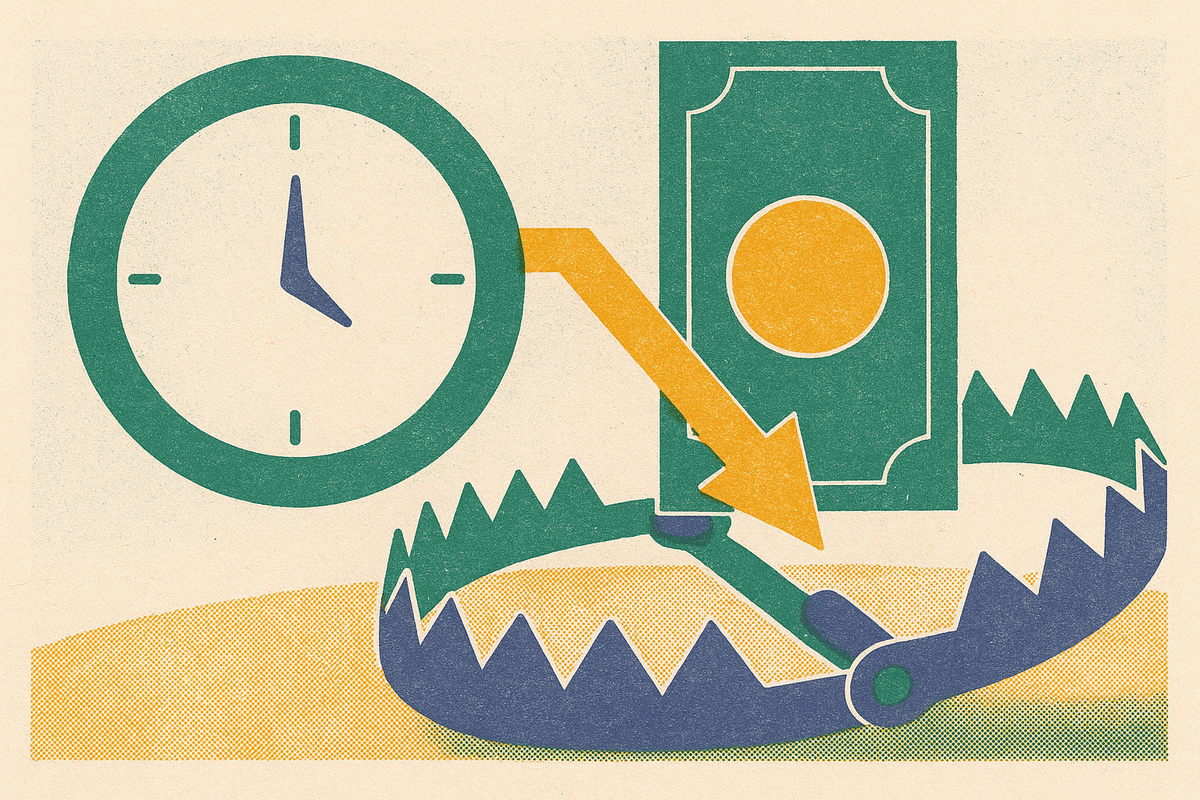
Express delivery fees turn waiting time into a price. On most no-fee apps, standard ACH delivery takes one to three business days, and users usually pay extra to get the money sooner. Chime’s October 2026 guide puts it plainly, “speed is the thing you pay for, not the money itself.” A delivery fee takes a larger share of a small advance than of a large one.
Eligibility walls and feature locks form the fourth category. Payroll rules, the state a user lives in, and past deposits can limit who gets access, while paid plans make the service easier to use for those who subscribe. Grant, for example, gates in-app instant cash behind a paid plan. Purchase-linked designs add another test across these categories, because a fee-free transaction is not costless if it nudges someone into buying something they did not need.
The apps that clear all four hurdles: genuinely zero-cost options
The strongest free option has no subscription, mandatory tip, or data-sale business model, and no express fee required for standard delivery. It must also be accessible to the person using it. That last condition prevents a universal winner. Gerald, EarnIn, and MoneyLion Instacash offer different routes to a zero-fee transaction, but none should be judged apart from its purchase, income, or delivery conditions.
Gerald is the top choice for users who need both household essentials and cash. Gerald’s product page states that its BNPL-linked cash advances have no interest, subscription, late fees, or credit check. A qualifying Buy Now, Pay Later purchase in its Cornerstore unlocks a fee-free transfer of the remaining balance to the user’s bank. The purchase is the condition for the fee-free transfer. This works as a genuinely no-extra-cost route when the essentials were already on the shopping list, although approval is required and not all users qualify.
EarnIn fits the top tier for workers with regular payroll who use the free route. It has no mandatory fees, interest, credit check, or subscription, and tips are optional without affecting limits. Users need at least $320 per pay period from a regular paycheck deposited by direct deposit, a linked US checking account, and employment verification through a work email or fixed work location. New users average well below the advertised maximum.
MoneyLion Instacash is a better fit here for people with non-payroll income because it accepts gig, freelance, and benefits deposits. It has no mandatory fees, interest, or credit check, and standard delivery in one to five business days is free. Waiting is part of the bargain. Limits start small and grow with deposit history, so the marketed maximum is not a useful promise of what a new user can receive.
The middle tier: free by default but costly under pressure
Current Paycheck Advance offers up to $1,000 with no mandatory fee, late fee, or credit check. Its eligibility gate is narrow, however, because qualifying payroll direct deposits are required. ACH transfers, P2P transfers, mobile check deposits, and cash deposits do not meet that rule. Its optional Instant Access fee appears only in the app at request time. That makes the price visible at the pressure point.
Current is also unavailable in Connecticut, Maryland, Nevada, Wisconsin, and several other states. The advance is not classified as a loan, which removes some consumer protections. A user can meet the income requirement yet still face a state restriction or a charge for the speed they need.
Grant accepts gig income and benefits deposits, and it has free standard delivery with no credit check, interest, or tips. In-app instant cash requires a Plus subscription, while the no-subscription route to instant funds requires an email request. Brigit’s Premium plan also waives instant transfer fees and adds a credit-builder line, creating a clear difference between free and paid access.
These arrangements are not the same as mandatory fees. A free lane exists, and users with enough time may never leave it. But a financial emergency reduces the value of an option that works only after a wait. The structural weakness of this tier is that the condition making a charge avoidable may disappear just when help is needed most.
The data-trade tier: free in dollars, costly in information
Klover’s core product has free standard delivery, and users do not need a subscription. Users earn points by taking surveys, scanning receipts, and doing daily activities, and they can use those points to pay instant fees. Engagement is part of the transaction. Ads and games can take more work, but users can also choose an optional monthly plan or pay sliding-scale instant fees to use the product.
Its advances start small and go up to several hundred dollars, but the average is well below the most it advertises. A larger urgent advance can therefore involve a meaningful instant-delivery cost even without a subscription. Points may offset that charge, but earning them does not erase the exchange. Behavioral information and engagement time take the place of dollars.
A consumer advocacy organization warns more broadly that some free-seeming tools can leave users worse off once fees and tips are totaled. That warning explains why a monthly price alone is an incomplete comparison without establishing wrongdoing by any named app. A user with time and a willingness to share data may reasonably prefer Klover’s arrangement, provided the points are understood as payment for participation rather than a reward for responsible money management.
The eligibility wall tier: free in theory, unavailable in practice
“No direct deposit required” can conceal several different rules. Some apps accept income from many sources, some accept non-payroll income but still need deposits to come in regularly, and others accept only employer payroll. These are not interchangeable promises. One app may count a benefits deposit and another may reject it, even though both say their advances are free.
This distinction puts EarnIn and Current out of reach for some users before fees enter the picture. MoneyLion is more accessible to gig workers, freelancers, and benefits recipients because it accepts those income types. Accessibility still does not guarantee a useful starting limit. An app that offers only part of the money needed for a car repair has provided a partial solution.
Connecticut, Indiana, and several other states passed earned-wage-access laws in 2025 that capped fees and required licensing, leading some apps to exit or restrict service. A resident of an excluded state has fewer available choices. Before a crisis, users should check the income rules, whether the app works in their state, and how much they are likely to get at first, since the most an app advertises may be out of reach.
How BNPL fits into the tracker-and-spending-management picture — and what it costs in 2026
Buy Now, Pay Later belongs in this comparison because it is another form of spending flexibility that can look free. With split-pay plans that have no interest, and some products that have no late fees, it is easy to see what the purchase costs now. A plan can have no interest charge and still have consequences beyond the purchase itself.
Affirm is a leading BNPL provider whose terms and fee structure offer a provider-specific reference point. The distinction is important for users with thin credit files or past missed payments. “Free” is not a complete credit assessment. The reporting change means BNPL cannot simply be treated as consequence-free room in the budget.
Gerald’s arrangement works differently from a standalone BNPL credit line. The qualifying purchase happens inside Cornerstore for household essentials and unlocks a cash advance transfer, rather than opening a new credit account with bureau reporting. That distinction does not remove the purchase requirement. Its advantage depends on the user needing those essentials anyway.
Applying the hierarchy: which free app fits your situation?
For a W-2 worker with payroll direct deposit who can wait for standard delivery, EarnIn or Current is the clear starting point. Their free routes do not require paying a tip or trading data as the product. Current requires a state check before signup, with Connecticut, Maryland, Nevada, and Wisconsin among its exclusions. EarnIn needs the qualifying paycheck and proof of employment. Users should not expect either app to offer its advertised maximum when they first sign up.
For a gig worker, freelancer, or benefits recipient, MoneyLion is the stronger fit because it accepts non-payroll income. Avoiding the Turbo fee requires explicitly choosing standard delivery and allowing for its one-to-five-business-day window. Gerald is another option without a payroll direct deposit requirement when household essentials are also needed. Gerald’s recurring-costs guide explains that the qualifying Cornerstore purchase unlocks transfer access for recurring bills and emergency expenses.
For someone who needs essentials and cash together, Gerald’s purchase-linked route puts those needs into one fee-free arrangement, subject to approval and the qualifying spend requirement. Klover is another choice for someone who is happy to share data and spend time on app activities. Its points can offset instant fees. Users pay with their time and behavioral information, so it ranks below an app they can use without giving up either.
EarnIn and MoneyLion’s free standard routes do not make faster delivery free, while Current reveals its Instant Access price at request time. Gerald still has no fees, but users must make the required purchase and be approved, and the lack of fees alone does not tell them when the money will arrive. Planning ahead helps avoid speed charges where waiting is possible.
The final choice turns on income type, urgency, state of residence, and tolerance for data sharing, with any required purchase counted too. For forgotten subscriptions, this comparison establishes no app that will find and cancel them all. Paying a bill that keeps coming back and stopping it are different jobs. The pecking order is useful because it lets a reader recognize what a signup screen is asking them to absorb, and reject a “free” route that does not fit their circumstances.