The Audit-First Method for Killing Phantom Charges Before Next Payday
Audit your statements, email, and app stores to find subscriptions draining money unnoticed.
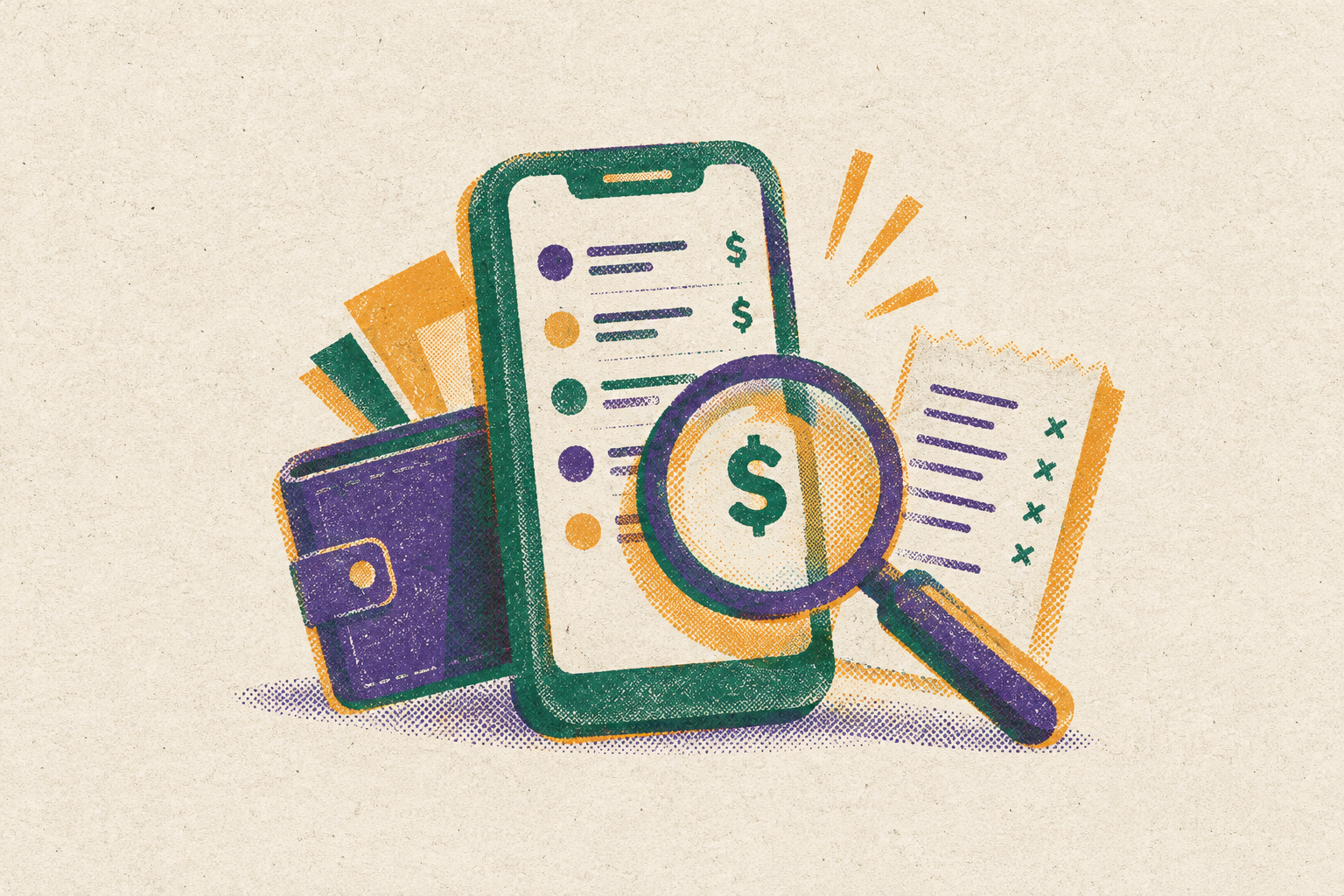
To find and cancel subscriptions before next payday, check your bank and card statements, search your email for receipts, then check your Apple and Google subscriptions one at a time. Once the list is complete, sort it into keep, pause or cancel now, and verify that canceled charges actually stop.
Why phantom charges follow a predictable architecture most people can't track manually
Small charges are easy to miss when they fall on different dates and use different payment methods. Each payment can seem small on its own. Together, they drain money without a clear moment to stop and think about the total. C+R Research found that consumers thought they spent roughly $86 a month on subscriptions, but the actual average was $219. That gap shows how relying on remembered spending leads people to underestimate their subscription costs.
Auto-renewal makes continued payment the default. Automatic card updaters and retry logic help keep that default in place, while retention flows make it harder to leave once someone wants to. Attention has to compete with the payment system. A forgotten service can keep billing, a familiar service can quietly cost more, and a trial can become a paid commitment without another deliberate purchase. These are different routes to the same blind spot.
What the audit is actually solving: the four categories of phantom charges
Forgotten subscriptions are services still billing after active use has stopped. Their hiding place is familiarity, because the name looks legitimate even when the expense no longer serves a purpose. Quiet price hikes exploit that same recognition. The service is familiar, but the amount is not what it was at signup. Finding the first requires checking use, while finding the second requires comparing prices.
Duplicate and overlapping charges occur when the same service has two ways to keep billing you. They can arise through direct and app store billing, or when a canceled-and-restarted subscription leaves the original cycle active. Platform names on statements can hide which service charged you. Free-trial conversions hide differently because their first paid charge has no recurring history to catch your eye. Trial emails can show what you will owe before a statement does.
Bango’s report finds that the average AI subscriber pays for around four premium AI tools at a substantial monthly cost, with more than half canceling and restarting as needs change. When needs change, an old estimate of spending can no longer be trusted. The audit therefore needs to capture what is active now.
Step one: how can you see every subscription charging your card?
Start with actual transactions. Pull at least 90 days of statements from every account, including checking, savings, all credit cards and digital wallets. PayPal, Apple Pay and Google Pay each have payment records to check. Allow about 20–30 minutes for this first pass. The goal is a written list.
Flag every recurring charge, then mark anything you cannot immediately identify and anything from a service you recognize but no longer actively use. Record the exact billing descriptor. The name a merchant bills under is sometimes that of its parent company. Keeping that wording preserves the clue you will need when matching a payment to a receipt. A charge you cannot name should stay on the list as unresolved.
Look beyond payments that repeat every month. A $99 annual charge appears once, then stays invisible for eleven months, so even a 90-day pull cannot capture every annual subscription. Quarterly charges also deserve a deliberate look. Compare current amounts with what you remember paying at signup, and flag any mismatch. A familiar name at an unfamiliar price is a possible increase.
Step two: search the inbox for receipts that never showed up on the statement
The statement pass establishes what was charged during the period you reviewed. Email extends the search beyond that window. Search for “receipt,” “invoice,” “your subscription,” “payment confirmation,” “auto-renew,” “renewal reminder,” and “billing.” Sort the results by date, including receipts from months or a year ago. Add subscriptions missing from the written list, including those routed through an app store.
Look for price notices as well as receipts. A message about updated pricing may have looked like a newsletter when it arrived, but it can explain why a recognized payment has grown. Search “trial” and “free access” for trial confirmations. Those messages establish end dates and can expose an upcoming conversion before any money leaves the account. Match them to the list. Leave the choice of which services to keep until later.
Set up a permanent email filter for these keywords and review the label monthly. Include renewal and subscription messages in that ongoing view. This is the first part of the standing system. Instead of relying on a billing notice to catch your attention once, the filter gives those notices a place to wait for review.
Step three: audit app store subscriptions separately — they hide inside platform-level billing
An “Apple” or “Google” entry does not identify every subscription behind it. Open the platform’s subscription list to close that gap. On iOS, go to Settings → your name → Subscriptions. On Android, go to Google Play → profile icon → Payments and subscriptions → Subscriptions. Check the visible renewal dates, especially anything renewing in the next two weeks.
Check each entry against the list you have already made. Anything missing is a new finding, even if the platform’s payment appeared on a statement. Check for the same subscription billed both directly and through the store, a recoverable duplicate. With this pass finished, the evidence is ready for decisions.
Step four: triage everything flagged into three decisions — keep, pause, or cancel now
Now sort the complete list into keep, pause or cancel now. Keep services you use regularly at a price you have established from the transaction record. Note their renewal dates and leave them alone. The audit’s purpose is to stop paying by accident.
Pause is the middle decision, but it must not become a label for an untouched charge. Cancel services you no longer use, duplicate subscriptions and unused trials that will soon start charging. For a trial, cancel before use if the remaining time is not enough to evaluate it. If it has already converted, treat the charge as a dispute question as well as a subscription to cancel, rather than assuming cancellation reverses the payment.
Price increases need a separate value judgment. Ask whether the service is still worth its current price. If it is not, cancel or downgrade. If it is, update your spending baseline to the actual amount. That gives the next audit an accurate comparison.
What the FTC's Click-to-Cancel reversal means for how you cancel now
The federal Click-to-Cancel rule that was supposed to make leaving as simple as signing up was vacated before taking effect. That removes a broad federal requirement, but other laws still protect the right to cancel. California, New York and Vermont already have similar laws, and the rules in Massachusetts took effect September 2, 2025. The EU’s Directive 2023/2673 requires a two-step withdrawal button process for online distance contracts where a statutory right of withdrawal exists. It is not a universal one-click cancellation rule.
The FTC settled with Amazon over Prime enrollment and cancellation for $2.5 billion on September 25, 2025, including a $1 billion civil penalty and $1.5 billion in consumer refunds. The agency also filed a complaint against LA Fitness entities on August 20, 2025, over cancellation processes. Adobe settled with the DOJ and FTC for $150 million in March 2026 over hidden Early Termination Fees and obscured cancellation paths. Its $75 million consumer portion consists of free services.
In practice, expect hidden links, pre-selected “continue” options and pages that frame cancellation as a loss. Friction is not a reason to abandon the process. Follow through until cancellation is confirmed, then note the date. Check the next billing statement to see whether the payment stopped. A charge after confirmed cancellation is a dispute to pursue.
How to claim price-drop refunds and delivery credits most people leave on the table
The receipt search can also uncover money recoverable outside subscriptions. There is a deadline to ask for each price adjustment. Target’s price-drop window is 14 days, while Costco allows 30 days on Costco.com orders. Best Buy covers the full return period, which is 15 days for most products and 60 days for paid members. Under the policy windows given for October 2026, Home Depot allows 30 days, while another online retailer will not change the price after you buy.
To request an adjustment, have the receipt and evidence of the lower price, such as a dated screenshot of the reduced-price product page. Do not assume the card will cover it. Most major issuers have dropped credit card price protection. For late deliveries, check the retailer’s guarantee terms at delivery and request any available credit or refund when a guaranteed window was missed.
Connecting accounts safely: what read-only access does and doesn't expose
Account-linked monitoring can reduce manual work, but its permissions deserve scrutiny. Read-only access lets a tool see transaction history without initiating transfers, paying bills or moving money. Seeing is not the same as acting. Even with that limit on what the tool can do, the information it sees can still pose a risk. The remaining questions are what data it collects and how long the connection stays active.
Plaid links more than 12,000 financial institutions and uses AES-256 encryption, with SOC 2 Type II and ISO 27001 certifications. Those safeguards do not erase the risk of persistent access. A connection opened for a brief-use app in 2022 may still be active in 2026. Plaid may also pull up to 24 months of transaction history even when an app only needs a current balance. If the app is breached or shares data, that history remains in scope.
Plaid sent breach-notification letters in April 2026 about personal and financial information that was exposed, including Social Security numbers and bank account numbers. Online banking credentials were not exposed. The exposure arose from standing read access tied to a phone-number identifier that changes hands. Read-only is therefore the right default for monitoring, with some exposure remaining.
Making the audit run itself: the system that keeps phantom charges from returning
One audit clears old charges but does nothing to stop new ones. A dedicated card for subscription payments creates a single-statement view of recurring spending. New charges exceed the category spending cap on that card when they push the total above a chosen threshold. This is the subscription firewall. A quarterly calendar reminder for a 15-minute recheck keeps the same four-step method in use without repeating the full initial effort.
The inbox filter supplies the warning layer between those reviews. Keep renewal, auto-renew, subscription, billing and payment confirmation messages together, and review the label monthly. Put the renewal dates for every service you kept on your calendar. Annual subscriptions especially need a two-week pre-renewal reminder because their charges disappear from view for most of the year. That creates time to reconsider before the next payment.
For each new free trial, set its cancellation reminder on the day the trial begins, with time to act before conversion. Do not wait for a reminder email. The system then has a record of payments, a place for billing notices and a prompt before renewal. Its job is to make each new commitment visible while there is still time to stop it.