The Phone-Call Cancellation Trap and How Hourly Workers Fight Back
A documented cancellation process beats forced phone calls and protects your pay.
To check and cancel subscriptions, look through your bank and card statements, keep a list of charges that repeat and their billing dates, and save written confirmation when you cancel. If charges continue, use that record to seek a refund and dispute the payment. The phone-call cancellation trap is designed to outlast your spare time, so beating it takes a documented process.
How the phone-call cancellation requirement works as a business strategy, not a design flaw
You finally have a spare moment, open the subscription settings, and try to cancel. The site tells you to call during business hours. Signup took a click and a saved card, but leaving now requires time on someone else’s schedule. The business has turned your decision to stop paying into another task you may not finish.
This pattern is called the “Roach Motel.” Entry is easy, and escape is hard. A frictionless signup keeps spending out of focus, a trial converts without a reminder, and an exit maze appears when you try to leave. The forced call adds two barriers at once, switching you from the website to the phone and restricting when you can act.
Why hourly workers absorb the most damage from phone-only cancellation
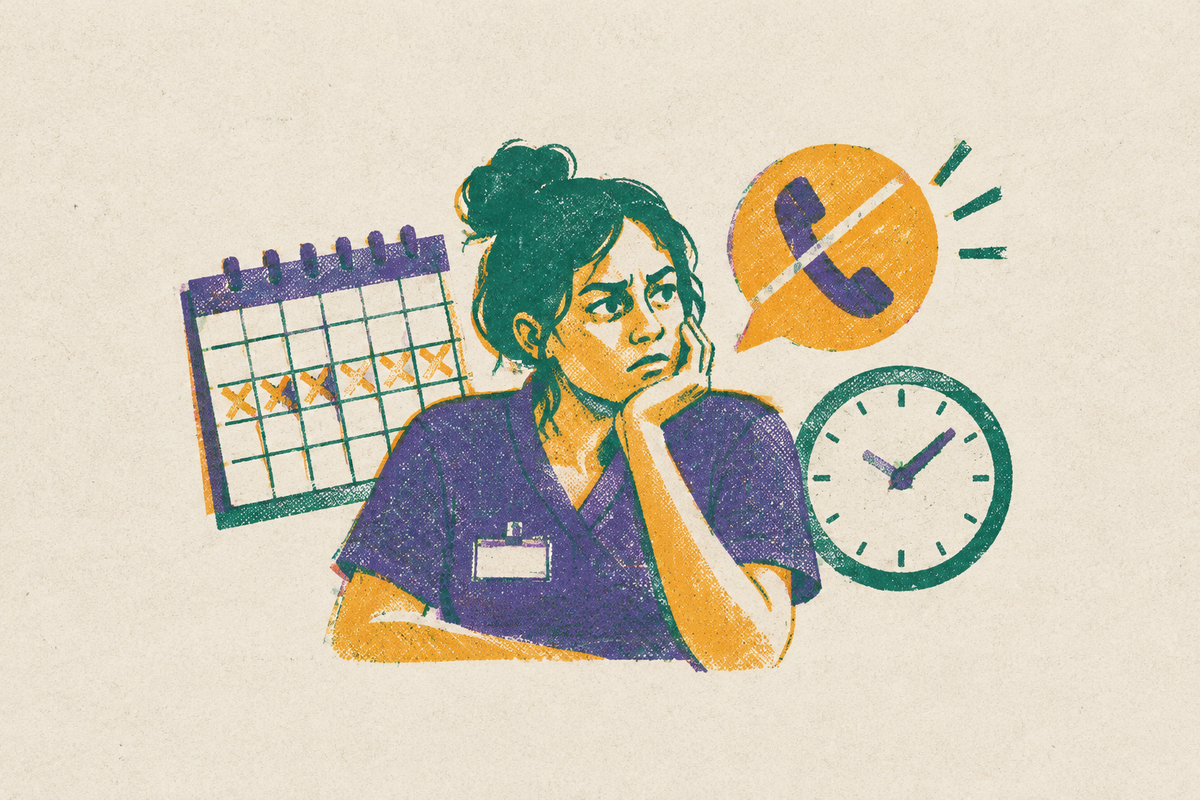
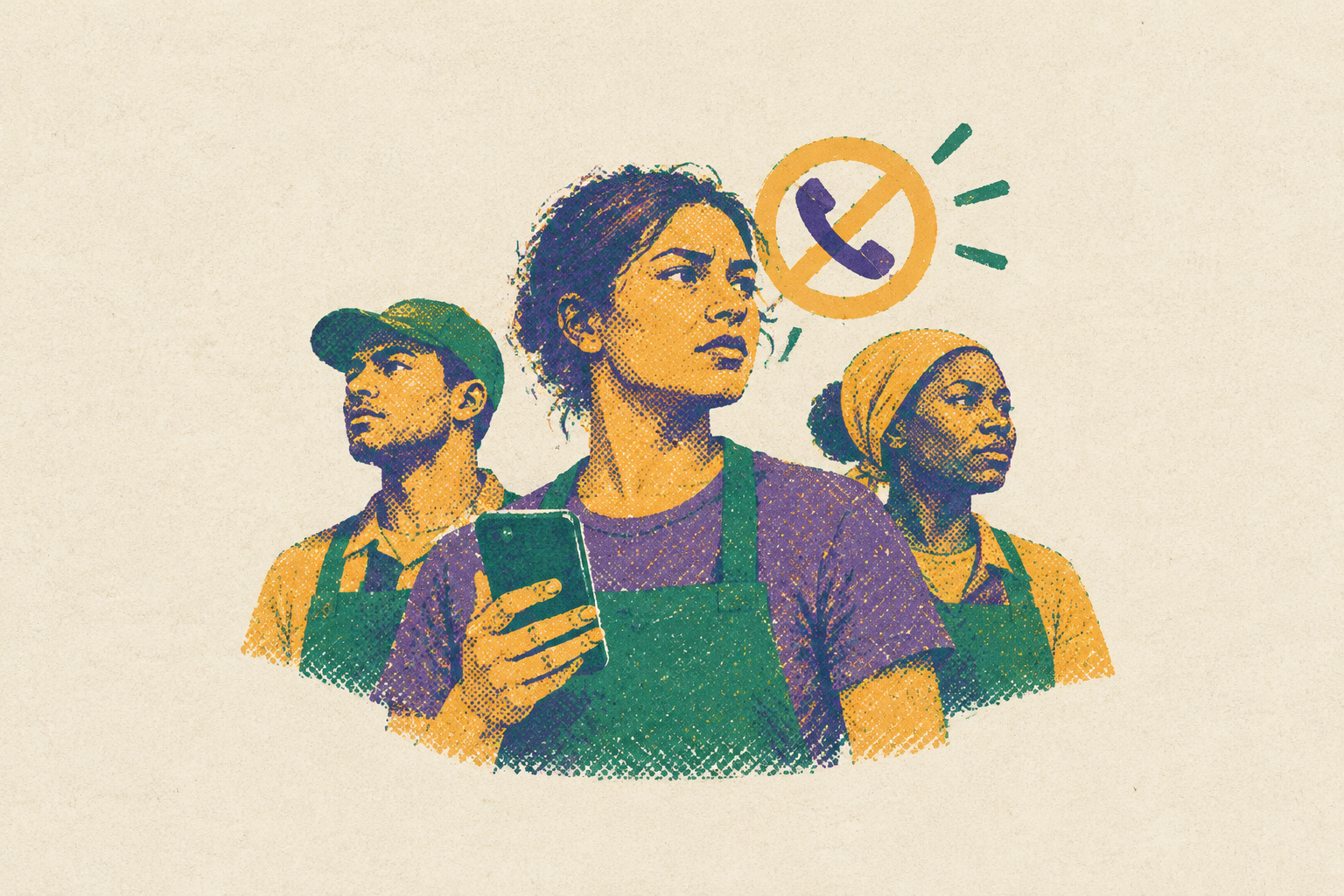
Business-hours-only cancellation assumes you control your working day. Hourly workers often cannot make personal calls on the floor or spend a 45-minute hold in the break room. You may have no more free time tomorrow than you have today. A phone line that overlaps your shift is not an equal alternative to an online button.
If you miss the window to cancel, you pay for another billing cycle, and a charge you did not expect can lead to an overdraft fee. That fee leaves less money for the next payment. The FTC’s study of hundreds of subscription websites found that a large majority used at least one dark pattern, and most used more than one. This is a widespread obstacle landing hardest on people with the least room to absorb it.
The seven specific dark patterns an hourly worker will encounter when trying to cancel
The Buried Cancellation Option. A small cancellation link is hidden across several pages even though signup took one screen, so the way out is harder to find than the way in.
The Forced Phone Call. You signed up online but must call during business hours to leave, so you have to find time for a call just to make a simple change to your account.
The Required Survey. You have to give a reason or explain why you are leaving before you can reach the next screen and cancel.
Confirmshaming. A button says “No thanks, I don't care about saving money,” making you accept a negative judgment to proceed.
The Fake Exit. A “We're sorry to see you go” screen looks final while another required step remains, leaving the subscription active despite the apparent finish.
The Surprise Termination Fee. A plan presented as monthly reveals an annual commitment and early termination fee only when you try to leave, putting a new cost in the exit path.
What federal and state law actually requires of companies right now
As of late 2026, no federal Click-to-Cancel rule is in force. The FTC’s 2024 Negative Option Rule required cancellation as easy as signup, clear billing disclosures, and separate express informed consent. That rule was vacated. The FTC opened an Advance Notice of Proposed Rulemaking in March 2026, but a proposal is not an enforceable replacement.
The FTC continues pursuing unfair or deceptive practices under Section 5 of the FTC Act. Its enforcement record includes Match Group’s $14M settlement in August 2025 over deceptive advertising, cancellation, and billing practices, and Amazon Prime’s $2.5B settlement in September 2025. To cancel with Amazon, customers had to go through four pages, six clicks, and fifteen options. The FTC also announced settlements with Chegg for $7.5M in September 2025 and Instacart for $60M in December 2025, then a $150M proposed order involving Adobe in March 2026.
State law may also help, though what it covers depends on which law applies. California, New York, Minnesota, Massachusetts, Colorado, Maryland, Connecticut, and Virginia have online-cancellation requirements. California specifically requires a prominent direct cancellation link to remain visible and close to a save offer, with cancellation processed immediately when the customer uses it. These protections provide leverage, though a refund remains uncertain.
The documentation habit to build before making any cancellation attempt
Start by saving the subscription page showing your plan, price, and terms. Find the signup confirmation and any trial-end reminders, and note if no reminder arrived. Record the signup date and method too. Those records establish what you agreed to before the cancellation process changes what appears on screen.
Next, take sequential screenshots or a screen recording of the cancellation flow, including offers, required actions, and the final screen. For a phone call, write down the date, time, each agent’s name, a conversation summary, and reference numbers. Save a copy of the chat before you close its window. Follow a call with an email repeating the agreement and requesting written confirmation, and keep everything well past the last charge clearing. An apparent finish can be misleading, so preserve evidence of the actual attempt.
Step-by-step cancellation when the company requires a phone call
First, get the cancellation number and operating hours from the company’s official website. Have your account number, the email you use for billing, and your payment method’s last four digits ready. Decide beforehand whether any retention offer interests you. If not, decline once and move on.
Next, check if your state has an online-cancellation requirement that applies to you. If it does, open by noting that you signed up online and want to exercise that right. State your purpose immediately. Ask to cancel the subscription and request a confirmation number and written confirmation by email before the call ends.
If the agent cannot cancel, ask for a supervisor. If the supervisor cannot help either, request the name of the department handling cancellations in writing. Keep notes while the conversation happens. Ask for the cancellation confirmation number before hanging up, and if confirmation will arrive by email, establish when it should arrive and check the destination address.
Within the hour, email support with the agent’s name, call time, and confirmation number, asking for a reply confirming cancellation. If no confirmation arrives within a couple of days, call again using the first call’s details. Then check your statement on the next expected billing date, when an unwanted renewal would become visible.
What to do when the cancellation is confirmed but the charges keep coming
A charge after cancellation may be an error. Start by emailing the company with the cancellation number, call date, and details of the new charge. Give it five business days to respond and issue a refund, and retain the message.
If that fails, a chargeback is the first financial tool to use, rather than cancelling your card and disrupting other bill payments. Call the number on the card’s back and ask to dispute the charge as “services cancelled” or “services not rendered as agreed.” Submit the confirmation, follow-up email, and statement showing the payment. Check your cardholder agreement for the dispute deadline. The charge is typically paused during the dispute, and the company must respond within a set window.
Regulatory complaints provide a separate escalation route. File with the FTC and your state attorney general’s consumer protection office, especially where an automatic-renewal law applies. If the charge came through a bank product, you can also send a complaint to the Consumer Financial Protection Bureau. Complaints do not guarantee individual refunds, but aggregated reports support enforcement. For future signups, a merchant-specific virtual card number can stop further charges without changing the underlying card account.
How to cover an unexpected charge while a dispute is in progress
You may still be short of cash today while you dispute the charge. Payday loans can add extremely high interest, while overdraft penalties or a bounced payment can deepen the gap. An advance with no fees may help if you are a little short before payday. But “free” and “instant” are different promises, and a monthly subscription fee applies even when you do not use the advance.
Current’s Paycheck Advance has zero mandatory fees, no membership or subscription, and free standard delivery within a few calendar days. Chime’s MyPay lets members who qualify get advances without mandatory fees, interest, or a credit check, but instant delivery has a percentage-based fee with a minimum and a maximum charge. Standard delivery is free. MoneyLion’s Instacash also has no mandatory fees, interest, or credit check, with a higher advance cap available through a RoarMoney account.
Klover requires employment verification and at least three direct deposits from the same employer in your bank history. It has no credit check, interest, or late fees, and points from surveys and receipt scanning unlock higher amounts. That is a different eligibility path. The useful comparison is not just the advertised advance, but what you must do to qualify and when the money can arrive.
Gerald combines fee-free Buy Now, Pay Later with a cash advance. Using part of an approved advance to buy household essentials in its Cornerstore unlocks a free cash advance transfer to your bank. The purchase is part of the process. Gerald has no credit check, interest, subscription, transfer fee, or late fee, but it is not an isolated cash advance without that shopping step.
Larger emergencies call for a different comparison. Affirm’s Pay in 4 has no interest or late fees, and PayPal Pay in 4 is always interest-free with no late fees. Sunbit finances in-person services, including auto repair and dental care, with variable APR, no late fees, and a soft credit check. The terms of the product decide whether it helps cover a gap or makes the next one harder to cover.
How to verify that any fintech app covering your gap is safe to use
Before connecting an account, make four quick checks. First, look in the security documentation for AES-256 encryption, biometric login, and multi-factor authentication. SMS-only verification is weaker.
Second, inspect how the app connects to your bank. Look for a recognized data aggregator such as Plaid. Direct credential collection is a red flag.
Third, open the privacy settings and find the controls for sharing your data. Look for clear switches governing which external platforms can see your financial history and whether access can be revoked. Buried controls are a warning sign. You should be able to tell what permission you are giving.
Fourth, use only the official App Store or Google Play, check that the developer name matches the one on the company’s website, and read recent reviews for charges people did not expect or trouble getting access. Then read how the app makes money. Gerald, for example, makes money when users shop in Cornerstore. If a “free” app cannot clearly explain its business model, read the terms before connecting your account.
How do you check subscriptions and stay ahead of the next charge?
Keep an up-to-date list of every subscription you still have, its billing date, and what it costs each year, and check it against your statements each month. Before a trial, read the terms and set a reminder for three days before it ends. Use a virtual card number when your bank offers one.
Save the records, and report genuinely difficult cancellation practices to the FTC whether or not a refund arrives. A refund need not end the complaint. If a surprise payment still leaves you short, check all the costs and terms of any help you use to get through it. The goal is to protect the next paycheck.